2026 Design and Technology Upgrade
In April 2026, moocat.net was redesigned following all modern UX standards and using contemporary technology. The site is now completely mobile-friendly.
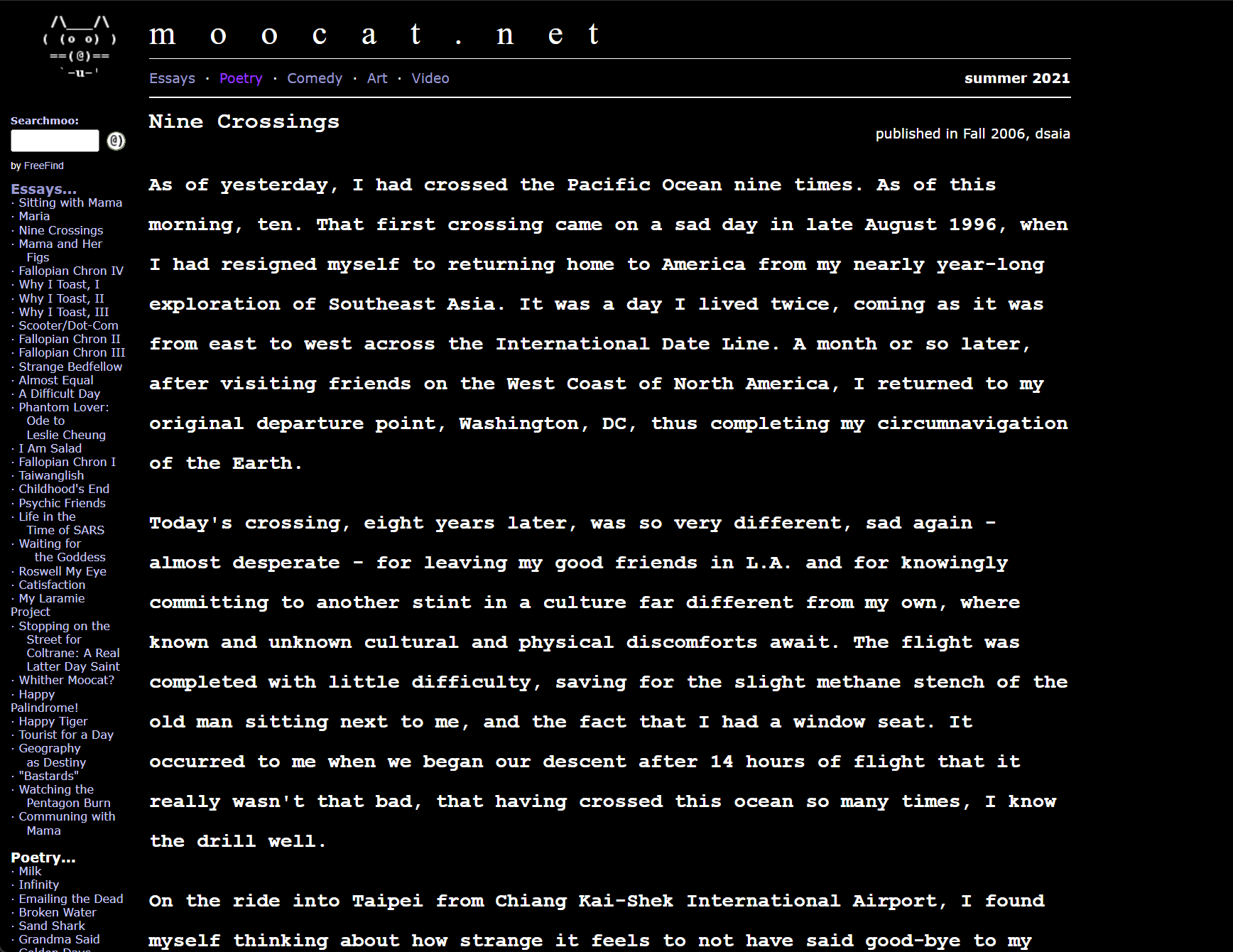


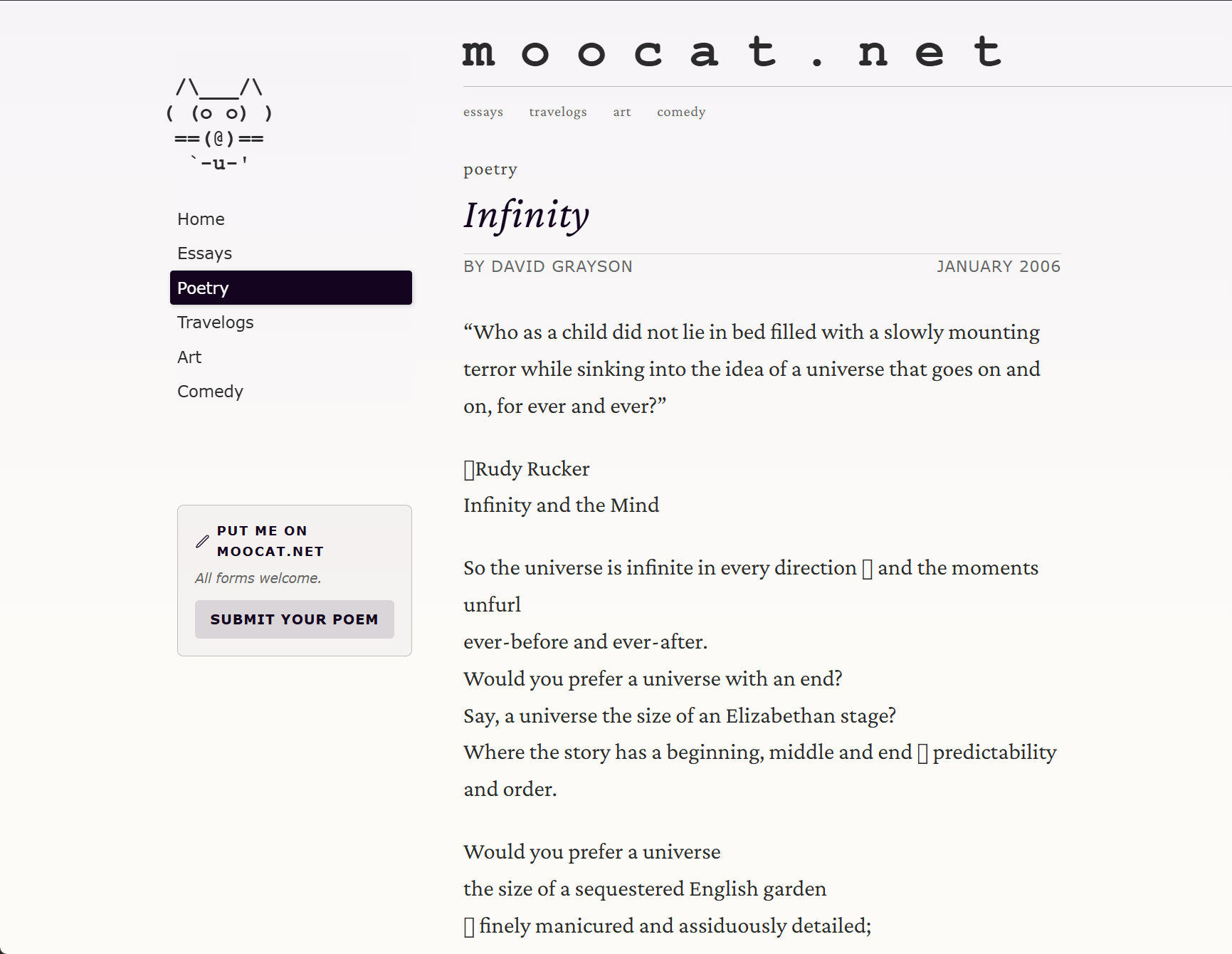


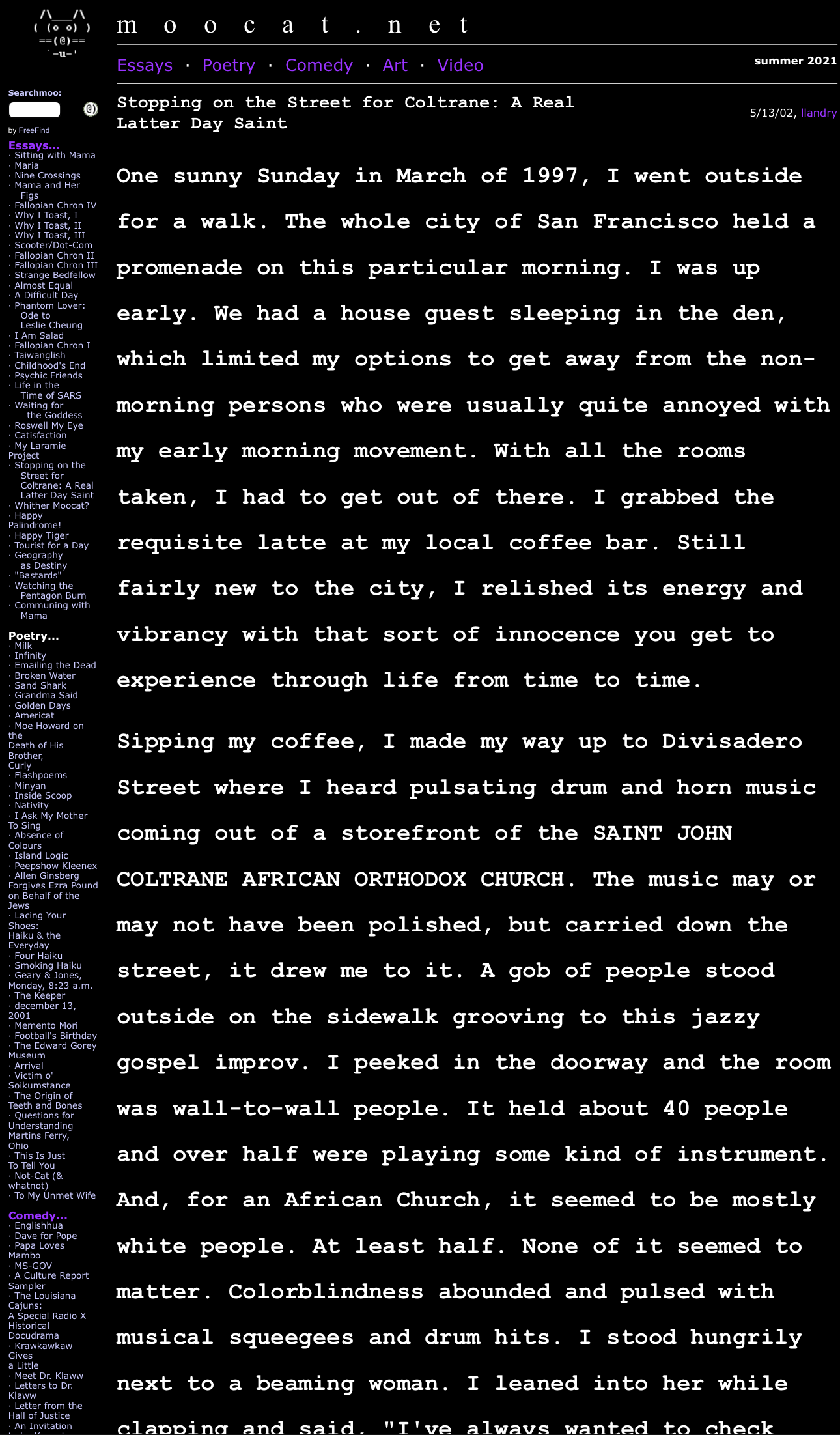
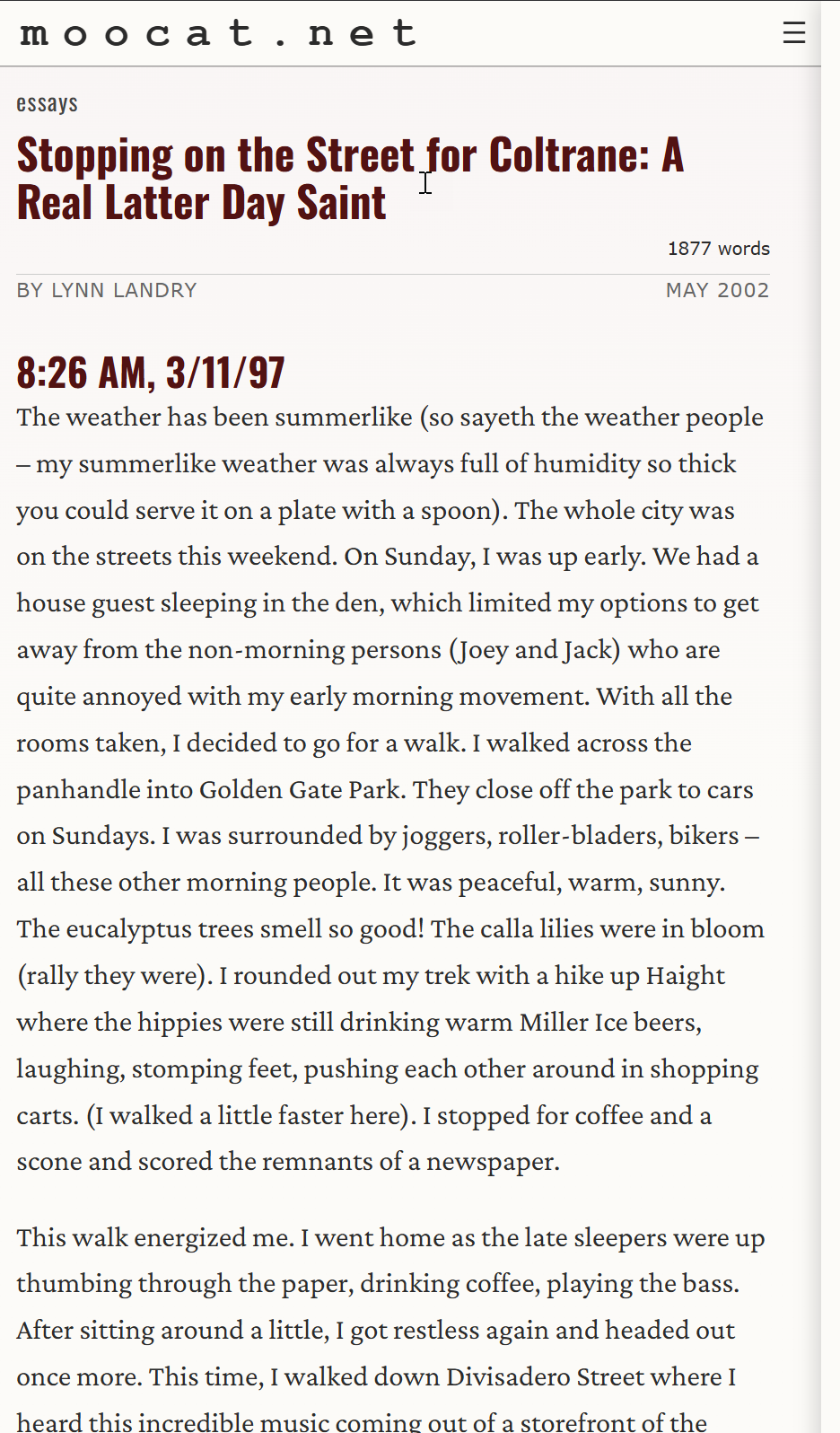
Since we are approaching the 25th(!) anniversary of the first “edition” of moocat.net, I put some time into learning how to migrate the old infrastructure (php, flat files, javascript) to a content management system, Kirby CMS. I used Google Gemini (and a little Google Antigravity) in making this transition. Then I discovered Claude Clode, and — wow — my life as a web developer has been immeasurably enhanced. (Almost) all the old content is still there, and I’ve restored the original Travelogs section as, to be honest, it always was the heart of the site, contentwise. But not all of the old travelogs are visible; most are in an offline collection, being prepared for publication.
Development Stack Comparison
| Item | Original Site | New Site |
|---|---|---|
| Infrastructure | Hand-rolled server-side processing | Kirby CMS server-side processing |
| Server-side scripting | Hand-rolled PHP + flat files | Kirby CMS |
| Client-side scripting | JavaScript | JavaScript |
| “Adult Content” modal | 3rd-party download | Hand-crafted, using AI |
| Sections | Essays, Poetry, Comedy, Art, Video | Essays, Poetry, Travelogs, Comedy, Art |
| Creation technology | Hand-coded HTML | Kirby CMS |
| Category pages | Hand-coded HTML | Generated by Kirby scripting with some manual input |
| Visual styling | CSS3, embedded in index page | CSS using Flex |
| Browser adjustments | Complex downloaded “browser-sniff” JavaScript | automatic |
| Development environment | TextPad, PaintShop Pro | Visual Studio Code, with Claude Code extension |
| Source control | Manual backups | Git on private repo |
A Few Fun New Improvements
While moving things over, a few interesting developments ensued:
-
Mouse-over the Moocat in top left of this page, and see what happens.
-
If you’re really bored, click the outer, red “donut” of the new mooBadge graphic, and then click it again, and then, one more time.
-
Improved presentation of graphics, with options for an on-click “lightbox” display, a static figure image with caption, and a static image without caption, all thanks to my AI friends.
-
A “sticky” top panel and side panel, once you start scrolling down to read a longer article. Seamlessly goes back to the full, large site header when you “go to top” or return to home page.
-
The “Adult Content Advisory” popup that comes up for anything with R-rated language now uses a retro Windows 95-looking error message, replete with the Microsoft “chord” sound when it loads — all done with CSS and SVG text files (no graphics)!
Much More Legible Fonts and Background Colors
I was not a designer when I first put Moocat together (and still am not) but I have the advantage of an AI coding assistant to lend me the expertise I never had and clearly do not deserve. If you know the old site, you’ll know how loud the category differences were, and how severe the look got over the years, in comparison to the new site.